YouTube Equipment for Beginners: A Starter Kit by Budget
Amazon shows you ten thousand options and zero advice. We do the opposite: a budget, most-popular, and premium pick per category, the specs that matter, honest “skip it if” notes, and a step-by-step setup guide for every product. Decide in minutes, not days.
As an Amazon Associate, CheckTheWorth earns from qualifying purchases. We only recommend gear we would tell a friend to buy, prices and availability shown on Amazon are accurate at the time of purchase.
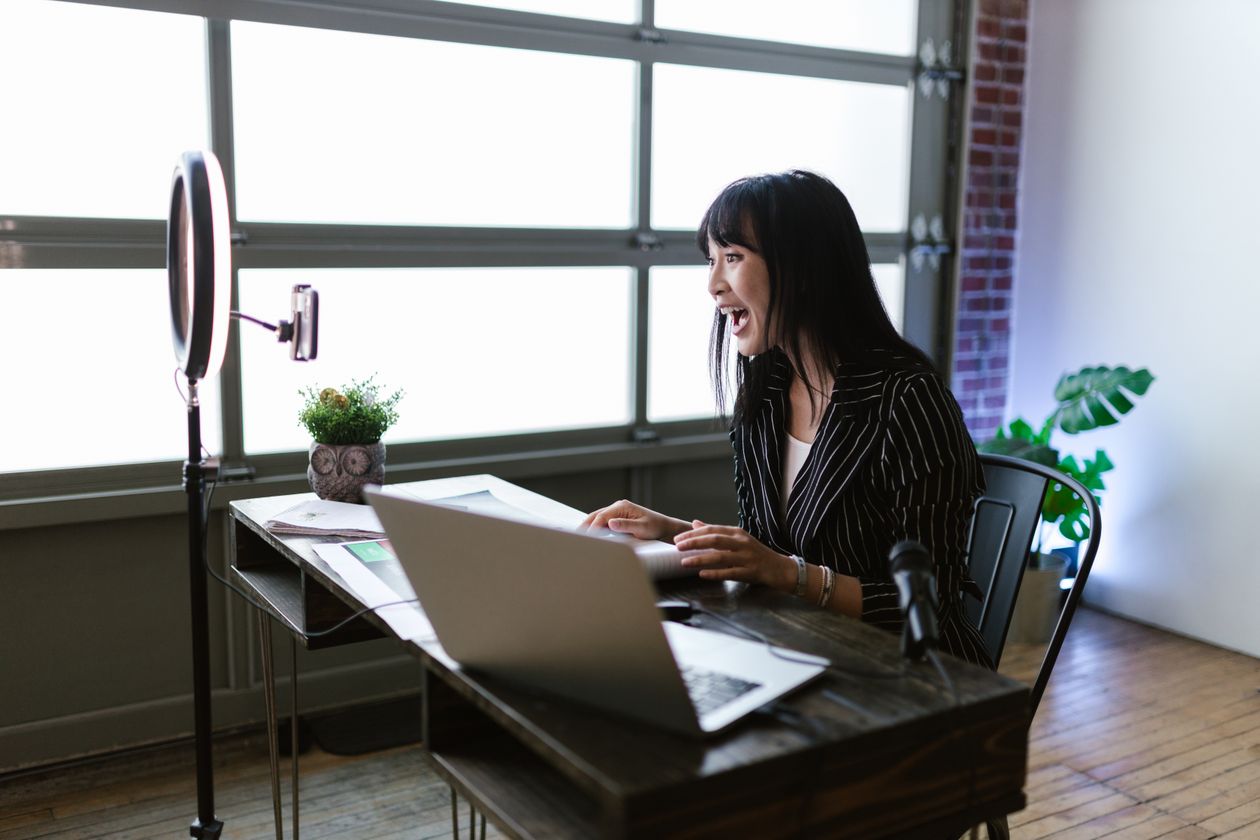
Camera & Webcam
The best webcam for YouTube and streaming, clean video, no studio.

EMEET Dual-Camera Streaming Webcam
A genuine 1080p webcam with a second top-down camera built in, so you can show your face and your desk/keyboard at once without a second rig. One of the best budget webcam picks for tutorials and unboxings. Auto-framing keeps you centred; plug-and-play, nothing to install.
Resolution
1080p (dual camera)
Connection
USB, plug & play
Mic
Built-in noise-reducing
Mount
Clip + tripod thread
Best for: Talking-head videos, tutorials, and desk/overhead demos on a computer.
! Skip if: You vlog outdoors or want cinematic depth-of-field, get a vlogging camera instead.

Logitech C920x Pro HD Webcam
The Logitech C920 is the most trusted webcam on the internet for a reason, crisp, reliable Full-HD 1080p, glass lens, and dual stereo mics. The best webcam for YouTube and streaming when you want a proven pick that simply works, with software control over zoom and focus.
Resolution
1080p / 30fps
Focus
Autofocus (lockable)
Mic
Dual stereo
Connection
USB, plug & play
Best for: Streamers, talking-head YouTubers, and anyone who wants the safe, proven webcam choice.
! Skip if: You need 4K or a flip screen for vlogging, a dedicated camera suits that better.

HaiweiTech AutoFocus Streaming Webcam
A premium Full-HD streaming webcam with true autofocus and a wide field of view, so you stay sharp as you move and fit more of your setup in frame. A real upgrade for full-time streamers who want a sharper, wider webcam for streaming without a full camera rig.
Resolution
Full HD (1080p)
Focus
Autofocus
Field of view
Wide
Connection
USB, plug & play
Best for: Streamers who want sharper, wider, autofocusing video without buying a camera.
! Skip if: You need interchangeable lenses or cinematic depth, get a vlogging camera instead.
How to set up your webcam
pick your productEMEET Dual-Camera Streaming Webcam
Plug it in
Connect the USB cable to a free port, Windows/macOS install it automatically in ~10 seconds.
Install EMeet Link
This is the only webcam here with a second overhead camera, the app is how you switch between the face cam and the desk cam, or show both.
Pick your feed
In OBS, Zoom or Meet, choose “EMEET” (face) or the overhead camera for hands, keyboard, or product shots.
Turn on auto-framing
Enable auto-framing so it keeps you centred as you move around.
Frame & record
Set it at eye level, centre yourself, and start recording.
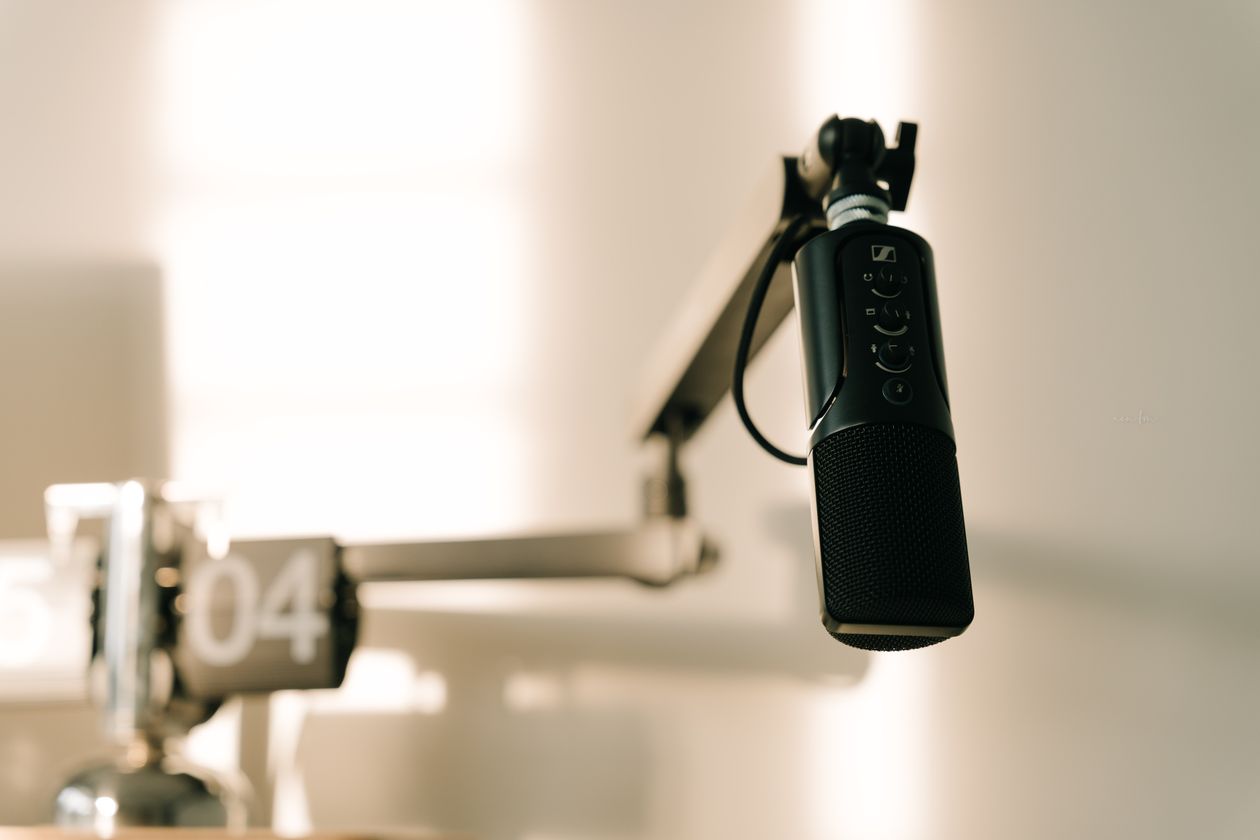
Microphone
The single biggest upgrade for watch time, from USB mics to wireless lavaliers.

ZealSound USB Condenser Mic Kit
A complete USB microphone kit, mic, shock mount, and pop filter in the box, that plugs straight into a computer and sounds dramatically closer and cleaner than any laptop or webcam mic. One of the best cheap microphones for YouTube, and audio is the #1 thing that keeps viewers watching.
Type
USB condenser
In the box
Mic + shock mount + pop filter
Connection
USB, plug & play
Monitoring
Headphone jack (select models)
Best for: Desk-based talking-head videos, voiceovers, and starter podcasts.
! Skip if: You record on the move, a wireless lavalier suits run-and-gun filming better.

Mini Mic Pro Wireless Lavalier Microphone
A wireless lavalier microphone that clips on and frees you from your desk, perfect for vlogs, pieces-to-camera, and run-and-gun filming. A wireless microphone for iPhone, Android, and cameras that captures clean, close audio with no cables trailing across the room.
Type
Wireless lavalier (clip-on)
Connects to
Phone, camera & PC
Power
Rechargeable
Setup
Auto-pair transmitter/receiver
Best for: Vloggers, on-camera presenters, and anyone filming away from a desk.
! Skip if: You only record at a desk, a USB condenser gives richer studio tone for less.

MVUYO Desktop Condenser Microphone
A broadcast-style desktop condenser that delivers warm, radio-ready vocals, with a sturdy stand and shock mount in the box. A clear step up for anyone who wants a genuine podcast microphone sound where audio quality is the priority.
Type
USB condenser
Style
Desktop broadcast
Includes
Stand + shock mount
Connection
USB, plug & play
Best for: Voiceovers, podcasts, streaming, and audio-first channels.
! Skip if: You film away from a desk, the wireless lavalier travels better.
How to set up your microphone
pick your productZealSound USB Condenser Mic Kit
Plug it in
Connect the USB cable directly to your computer (skip USB hubs for cleaner power).
Set as default input
Sound settings → Input → select the mic as your default recording device.
Open your recorder
Launch Audacity, OBS, or your video editor.
Set the level
Record a 10-second test and set input so your voice is clear but never peaks into the red.
Confirm on headphones
Check it sounds close and clean, then record for real.
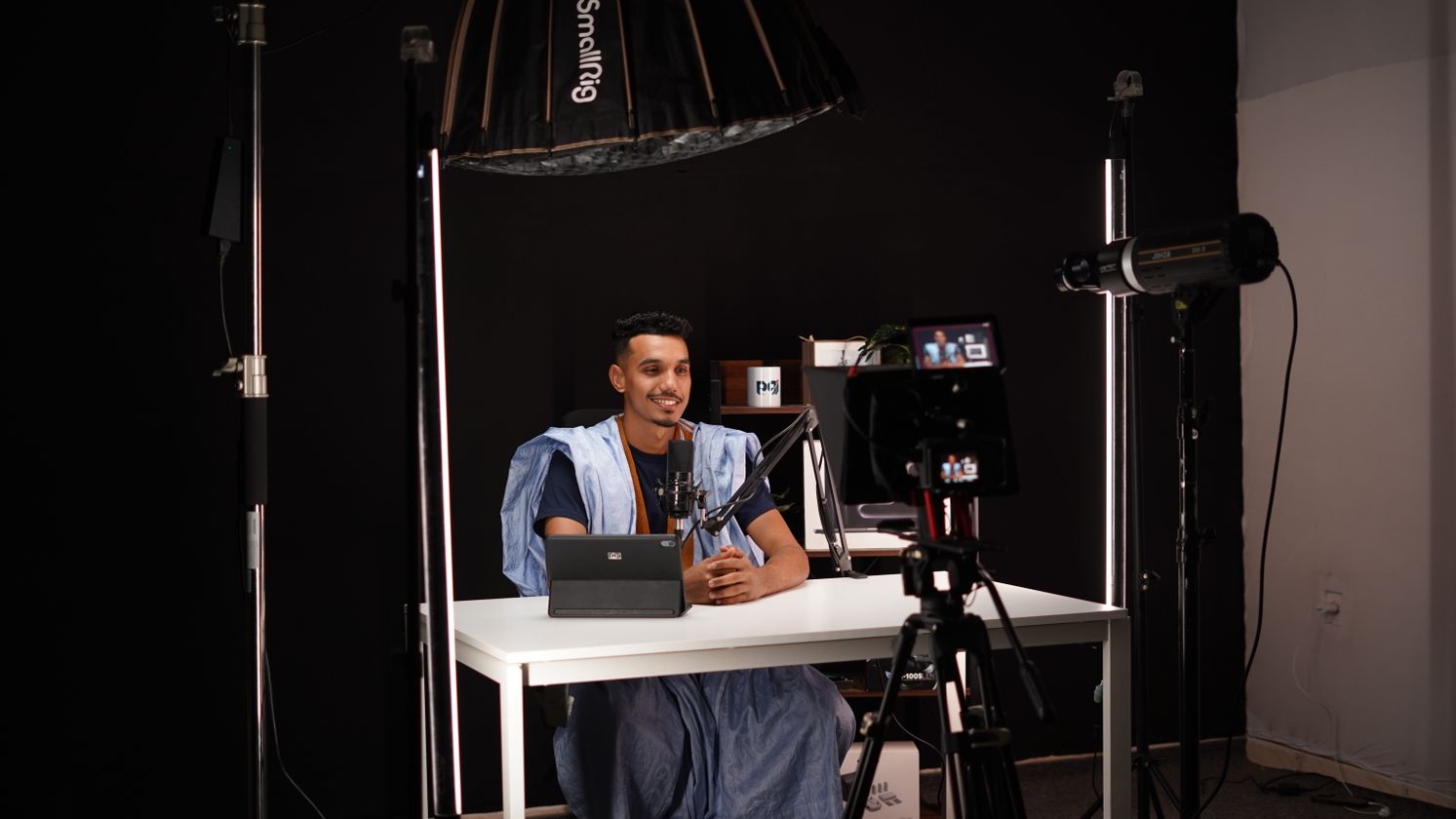
Lighting
The best lighting for YouTube videos, make any camera look more expensive.

NiceVeedi LED Video Light (2800-6500K)
An adjustable LED video light that dials from warm (2800K) to daylight (6500K) so you look consistent at any hour. The cheapest way to make any camera, even a phone, instantly look more professional.
Colour temp
2800-6500K
Type
Dimmable LED
Power
USB / adapter
Use
Photo · video · stream
Best for: Talking-head, beauty, and desk setups that need flattering light on a budget.
! Skip if: You light a whole scene or product shots, a two-light panel kit covers more area.

ALTSON Rechargeable Clip-On Video Light
A rechargeable clip-on light that needs no wires and no stand, clip it to your laptop, monitor, or phone and touch-dim it in a second. The most convenient video conference lighting and a portable ring light for video that travels anywhere.
Type
Rechargeable LED
Mount
Clip-on (laptop/phone)
Power
USB-C rechargeable
Control
Touch dimming
Best for: Laptop creators, video calls, travel filming, and anyone who hates cables.
! Skip if: You need bright, full-scene output for a studio, go for the GVM panel kit.
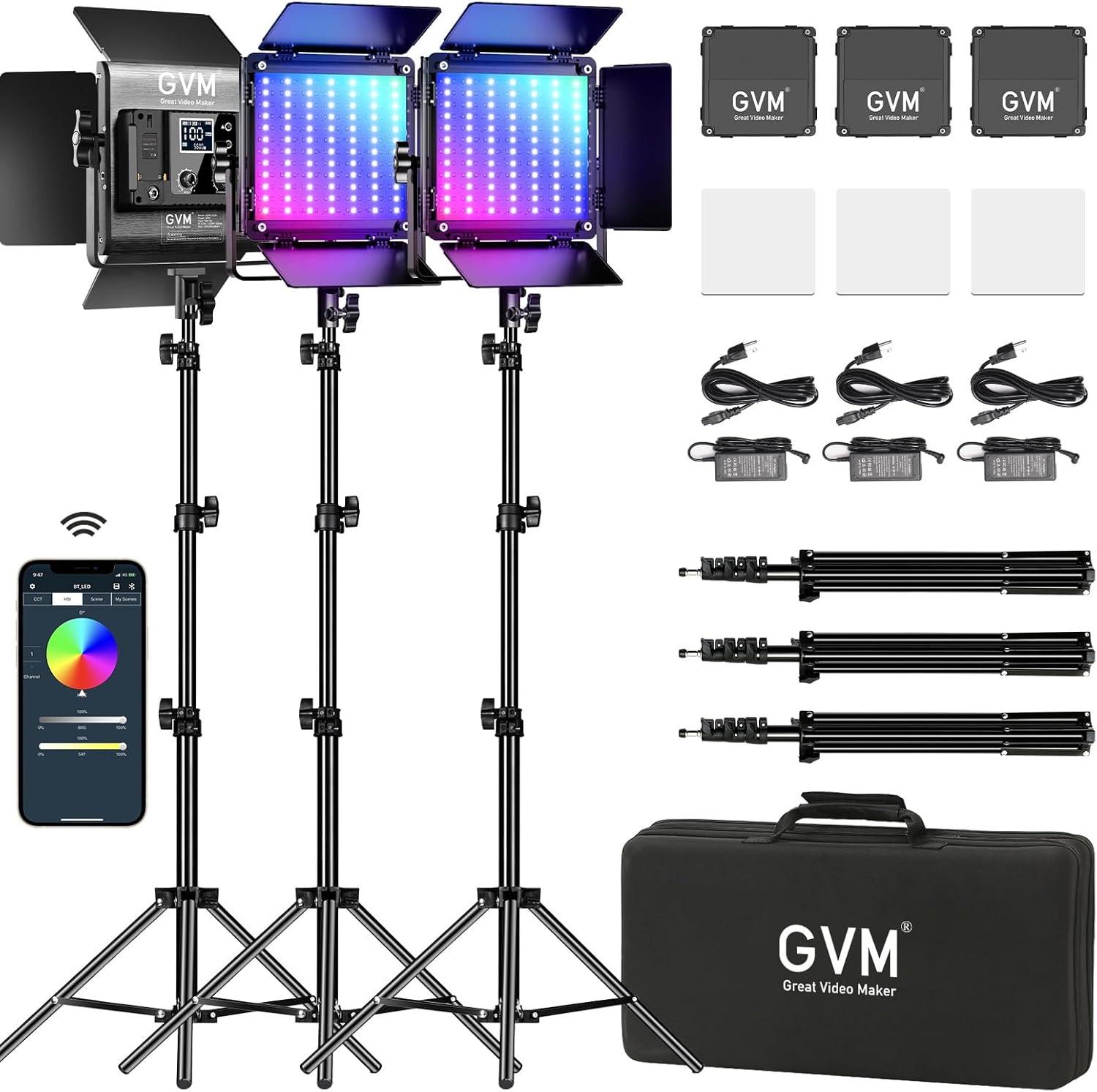
GVM Bi-Color LED Video Lighting Kit (3200-5600K)
A pro-grade bi-color LED panel kit, bright, flicker-free, and built for serious creators. Among the best lighting for YouTube videos when you need even, broadcast-quality light with fine control over colour and intensity in any room.
Colour temp
3200-5600K bi-color
Type
Pro LED panel kit
Output
High, flicker-free
Build
Aluminium, durable
Best for: Full-time creators, product reviews, and multi-light studio setups.
! Skip if: You just need one simple key light, the budget LED does that for far less.
How to set up your lighting
pick your productNiceVeedi LED Video Light (2800-6500K)
Assemble & mount
Attach the light to its stand or clamp it near your desk.
Position it
Place it just behind or beside your monitor, slightly above eye level, angled down ~45°.
Power on
Connect via USB or the wall adapter and switch it on.
Set colour & brightness
Daylight (~5600K) by day, warm (~3200K) at night. Raise brightness until your face is evenly lit.
Check for shadows
Watch your webcam preview and tweak the angle until shadows are soft. Done.
Vlogging Camera
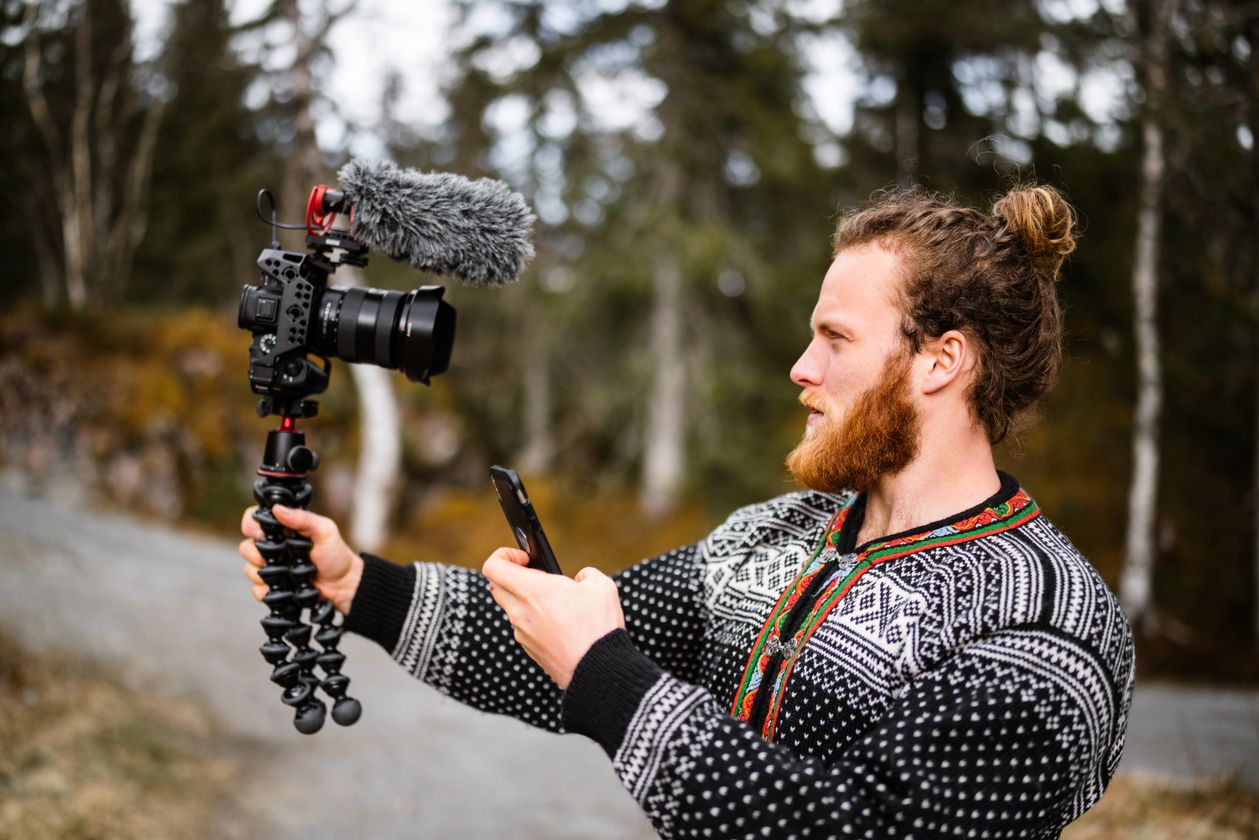
The best vlogging camera for YouTube when a webcam is not enough.

2.7K Vlogging Camcorder (48MP)
A genuine standalone camera at a phone-accessory price, 2.7K video and 48MP photos with a flip screen. A cheap vlogging camera that gets you off your phone and into real footage, ideal for a first dedicated rig.
Video
2.7K
Photo
48MP
Storage
microSD card
Screen
Flip / self-view
Best for: First-time vloggers and students who want a real camera on a tight budget.
! Skip if: You need 4K, autofocus, or low-light quality, step up to the popular or premium pick.

Vlogging Camera with Flip Screen & One-Button Record
Built for solo creators, a rotating flip screen so you always see yourself, plus one-button recording so you never miss a take. A vlogging camera for YouTube that keeps filming dead simple while you focus on talking.
Video
4K-class
Screen
180° rotating
Record
One-button
Storage
microSD card
Best for: Solo vloggers and beginners who want self-view framing and zero fuss.
! Skip if: You want in-body stabilisation for walk-and-talk, see the premium pick.

Vlogging Camera with Built-in Stabilizer & Auto-Focus
The step-up pick, built-in stabilisation for smooth walk-and-talk footage and auto-focus that keeps you sharp on the move. One of the best vlogging camera options here for creators who film outdoors and want pro-looking, shake-free video.
Video
4K-class
Stabilisation
Built-in
Focus
Auto-focus
Storage
microSD card
Best for: Active vloggers shooting walk-and-talks, travel, and outdoor content.
! Skip if: You only film static talking-heads at a desk, a webcam is simpler and cheaper.
How to set up your vlogging camera
pick your product2.7K Vlogging Camcorder (48MP)
Charge the battery
Fully charge before first use (USB or included charger).
Insert & format the SD card
Pop in a microSD card and format it inside the camera’s menu so it records reliably.
Set the resolution
In the menu, set video to 2.7K and the frame rate to 30fps for smooth footage.
Record
Flip the screen to face you, frame up, and hit record.
Transfer to edit
Connect via USB or move the SD card to a reader, then edit in CapCut or DaVinci Resolve.
Podcast Equipment
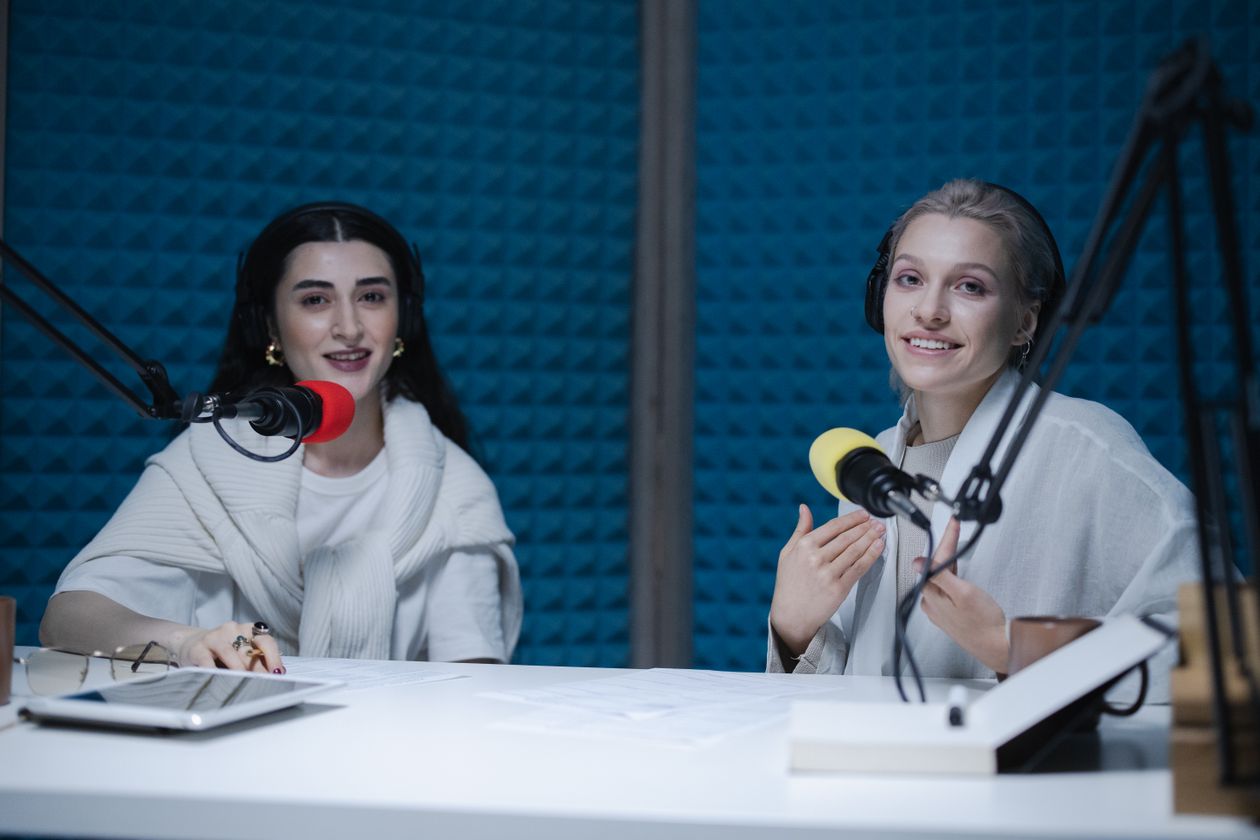
The best podcast equipment for beginners, complete kits, not loose parts.
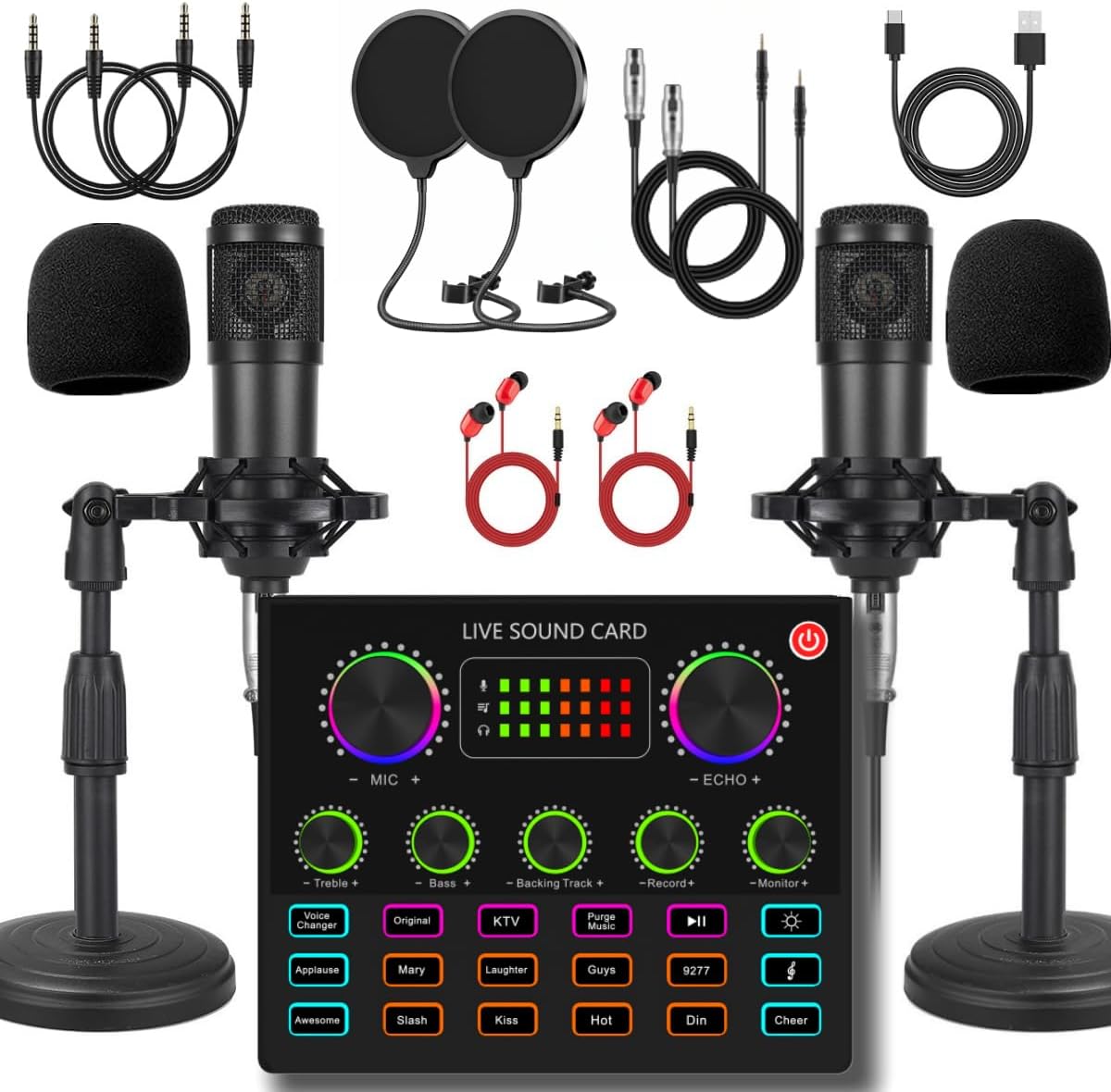
Podcast Starter Bundle, Mic + Sound Card
Everything to record your first episode in one box, microphone, sound card, and accessories. The best podcast equipment for beginners who want a complete podcast kit without piecing parts together or guessing what’s compatible.
Includes
Mic + sound card + arm
Mic type
Condenser
Connection
USB
Use
Podcast · stream · sing
Best for: First-time podcasters who want one box that just works.
! Skip if: You need two XLR mics for in-person guests, go for the Movo interface kit.

Podcast Recording Package, Mic, Boom Arm & Sound Card
A fuller podcast equipment bundle, studio mic, adjustable boom arm, sound card, and pop filter, so your setup looks and sounds the part from episode one. The popular all-in-one podcast kit for creators who want room-to-grow features without going pro-priced.
Includes
Mic + boom arm + sound card + filter
Mic type
Condenser
Connection
USB
Extras
Live sound effects (model-dependent)
Best for: Committed podcasters and streamers who want a proper desk setup.
! Skip if: You record two people in the same room, the Movo interface handles dual mics.

Movo Portable Podcast Kit with Audio Interface
A portable, broadcast-grade kit from Movo built around a real audio interface, so you get XLR-quality sound and independent control over each mic. The premium pick for two-person interviews and creators who want pro audio anywhere.
Core
Audio interface + mic(s)
Inputs
XLR
Connection
USB-C
Best for
Solo & 2-person recording
Best for: Two-person podcasts, interviews, and creators who want studio-grade portable audio.
! Skip if: You only ever record solo at a desk, the simpler USB bundles cost less.
How to set up your podcast equipment
pick your productPodcast Starter Bundle, Mic + Sound Card
Assemble the hardware
Screw the mic onto the arm or stand and attach the pop filter in front of it.
Wire the chain
Connect the mic into the sound card, then connect the sound card to your PC with its USB cable.
Set it as default
In Windows Sound settings, set the sound card as both the default input and output device.
Set your gain
In Audacity or OBS, record a 20-second test and set the gain so your loudest peaks sit around -6dB, never touching the red.
Monitor on headphones
Plug headphones into the sound card so you hear yourself with no delay, then record.
Start today, grab the whole starter kit
One click adds the core budget webcam, mic, and light to your Amazon cart. Review it, remove anything you don't need, and check out in one place, no hunting through search results.
Creator gear & setup, FAQ
What equipment do I need to start a YouTube channel?
A YouTube starter kit comes down to four things: a camera or webcam, a microphone, one light, and free editing software. Audio matters most, a clear microphone keeps viewers watching longer than a sharper picture. Start with the budget pick in each category here (a webcam, a USB mic, and an LED light) and upgrade once your channel is earning.
How do I set up a webcam or microphone for YouTube?
Most creator webcams and USB microphones are plug-and-play: connect the USB cable, then set the device as your default camera or input in your computer’s settings, open OBS or your editor, run a quick test, and record. Every product on this page includes its own step-by-step setup guide for both PC and mobile, because a wireless lavalier, a USB condenser, and a webcam each set up differently.
What is the best budget YouTube studio setup?
For a budget YouTube studio setup, pair a 1080p webcam, a USB condenser microphone, and a dimmable LED light, that trio makes any room look and sound professional for well under the cost of a single pro camera. You can add all three to your Amazon cart in one click with the starter-kit button above.
How do I set up podcast equipment for beginners?
Podcast setup for beginners follows one chain: microphone → sound card or audio interface → your computer or phone. Connect the mic to the interface, the interface to your device over USB, set it as the default input, set your gain so peaks stay out of the red, and monitor on headphones. Each podcast pick here includes a full setup guide, and the premium Movo kit adds a real audio interface for two-person recording.
Are these Amazon best sellers?
Our “Most Popular” pick in each category starts from Amazon’s current top sellers, then we keep it only if we would genuinely recommend it. The budget and premium picks are chosen for value and quality at their price, so you get a proven middle option plus a cheaper and a step-up alternative.
Popular picks, vetted
Our “Most Popular” choice starts from Amazon’s current top sellers, then we keep it only if we would genuinely recommend it, with a cheaper and a step-up option beside it.
Decision-first
Specs, “best for”, and honest “skip it if” notes so you buy once and buy right.
Setup included
Step-by-step PC and mobile guides for every product so your gear works the moment it arrives.
As an Amazon Associate, CheckTheWorth earns from qualifying purchases. We only recommend gear we would tell a friend to buy, prices and availability shown on Amazon are accurate at the time of purchase.