Updated July 16, 2026
Published June 7, 2026, 9 min read
Podcast Setup for Beginners (2026): Equipment & How to Record
Four pieces of gear, one simple chain, and no soundproof studio required. The kits worth buying by budget, and a plain English walkthrough from unboxing to your first published episode.
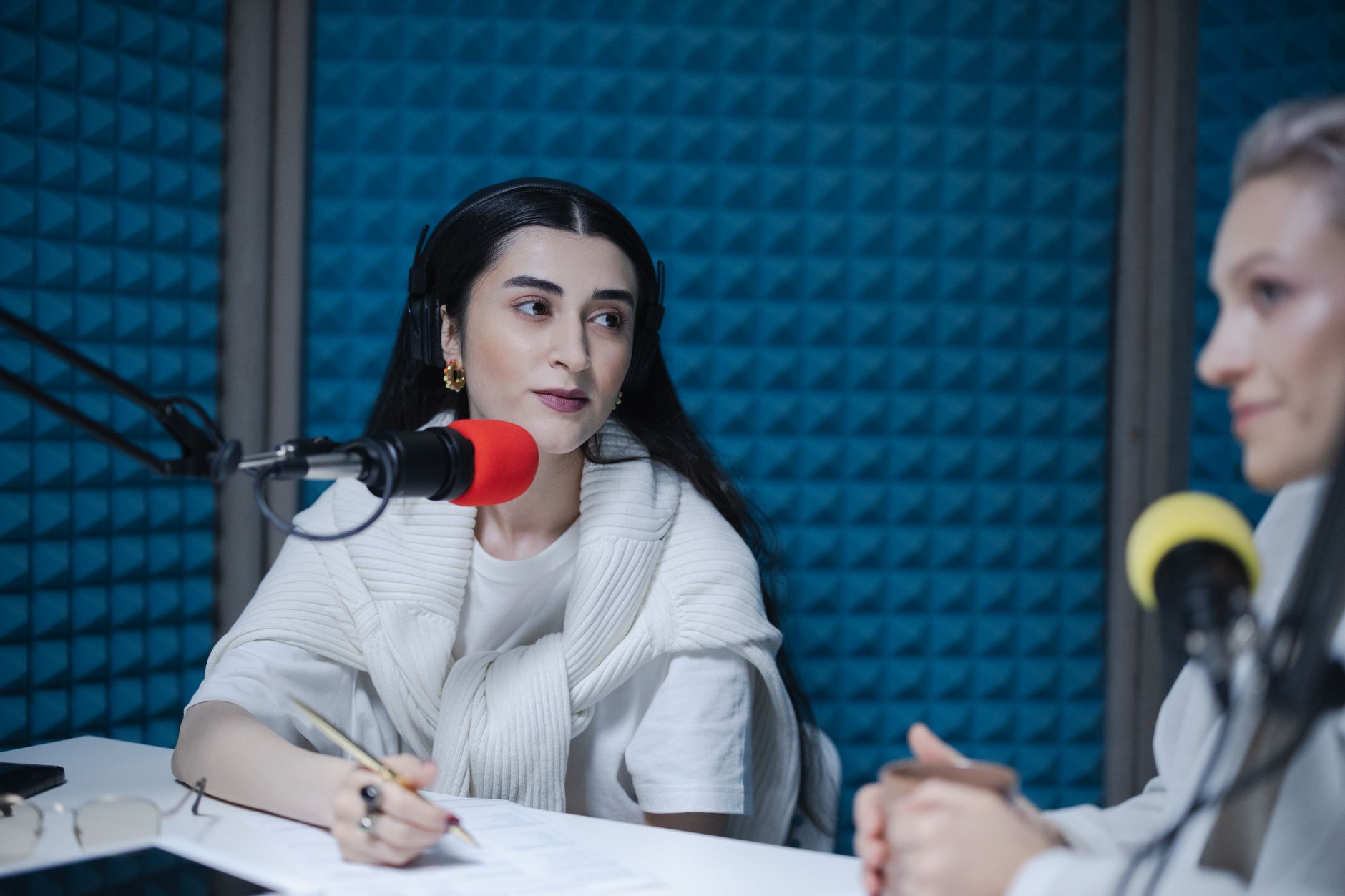
Starting a podcast looks complicated from the outside, interfaces, gain, XLR, monitoring, but the setup is simpler than it seems once you see the chain. This guide is the plain English version: exactly what gear you need, the best kits by budget, and how to set everything up and record your first episode.
As an Amazon Associate, CheckTheWorth earns from qualifying purchases. Product prices and availability shown on Amazon are accurate as of the time of purchase and are subject to change.
How I picked these. I have not recorded on every kit on this page, and I will say so plainly. These are chosen from specs, price, and thousands of buyer reviews, grouped so you can start cheap or jump straight to a fuller setup. Bundles change often, so check the current price and reviews on Amazon before you commit.
The Four Pieces Every Show Needs
Every show, from bedroom solo to studio interview, comes down to the same four pieces:
- A microphone, the one piece that decides whether people keep listening.
- A way in, a small USB converter or an interface that carries the signal in.
- Headphones, so you can monitor and catch problems while you record, not after.
- Recording software, free tools like Audacity or your video editor do everything you need.
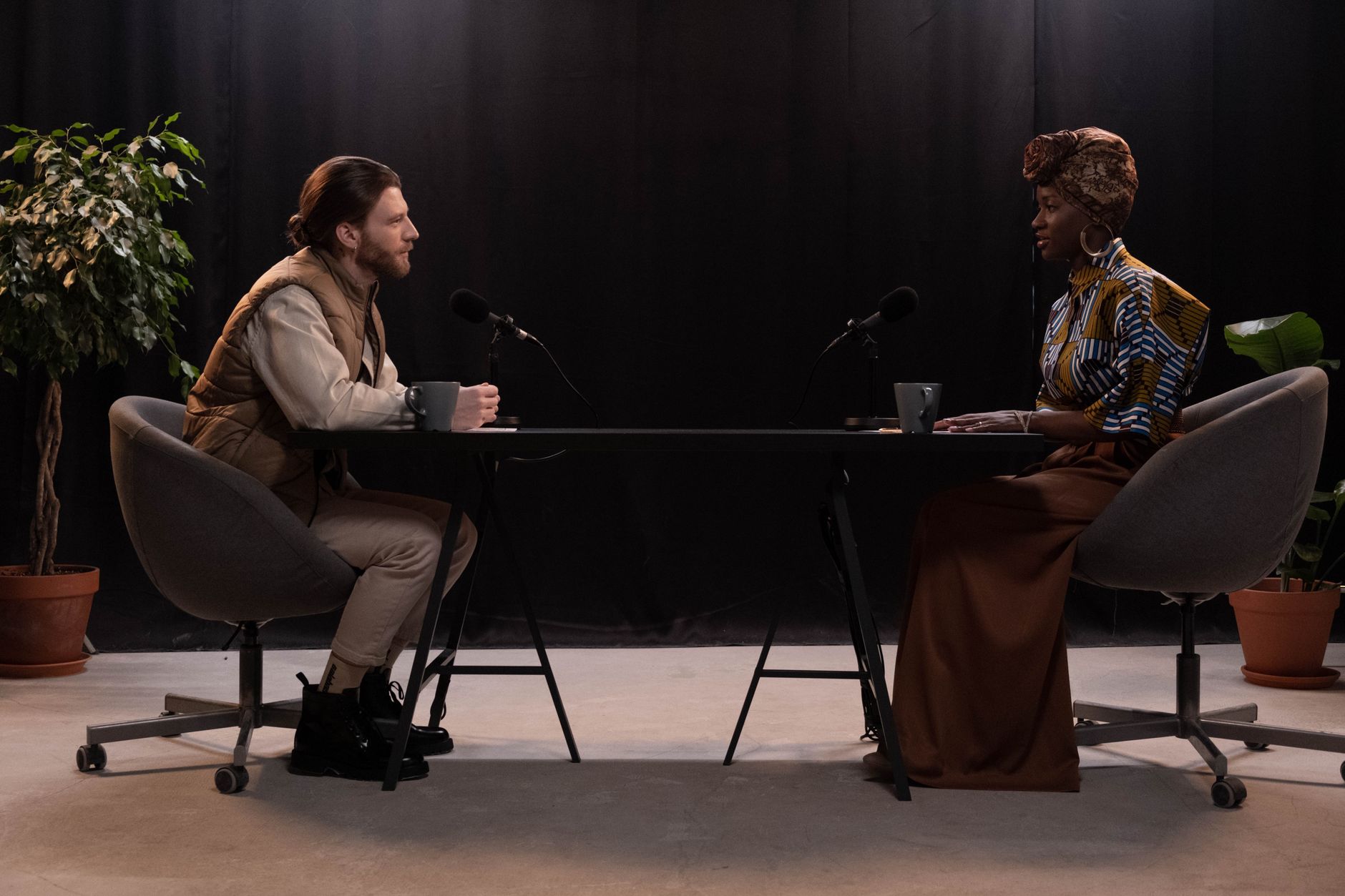
The easiest way to get all of this is a starter kit that bundles everything together, so every part is compatible out of the box. Here are three, by budget.
Quick Comparison
| Pick | What's inside | Best for | Price |
|---|---|---|---|
| Podcast Starter Bundle | Mic + converter + arm | Your first solo episode | Budget |
| Podcast Recording Package | Mic + boom arm + converter + filter | A proper desk setup | Most Popular |
| Movo Portable Kit + Interface | Audio interface + mic(s) | Two-person interviews, pro audio | Premium |
Podcast Starter Bundle, Mic + Sound Card
Everything to record your first episode in one box, microphone, converter, and accessories. For anyone who wants a complete kit without piecing parts together or guessing what is compatible.
Check price on AmazonPodcast Recording Package, Mic + Boom Arm
A fuller bundle, studio mic, adjustable boom arm, converter, and pop filter, so your setup looks and sounds the part from episode one. The popular all in one choice with room to grow.
Check price on AmazonMovo Portable Podcast Kit w/ Audio Interface
A portable, broadcast-grade kit built around a real audio interface, so you get XLR-quality sound and independent control over each mic. The pick for two-person interviews and creators who want pro audio anywhere.
Check price on AmazonYou Do Not Need a Studio
The most common beginner myth is that you need a soundproofed room. You do not. What kills home recordings is echo, and you beat echo with soft surfaces, not foam panels. Record in a room with a rug, a sofa, curtains, or even a closet of clothes, get it close to your mouth, and your audio will already sound clean. Spend on a good mic and a quiet room before anything else.
The Whole Chain, Step by Step
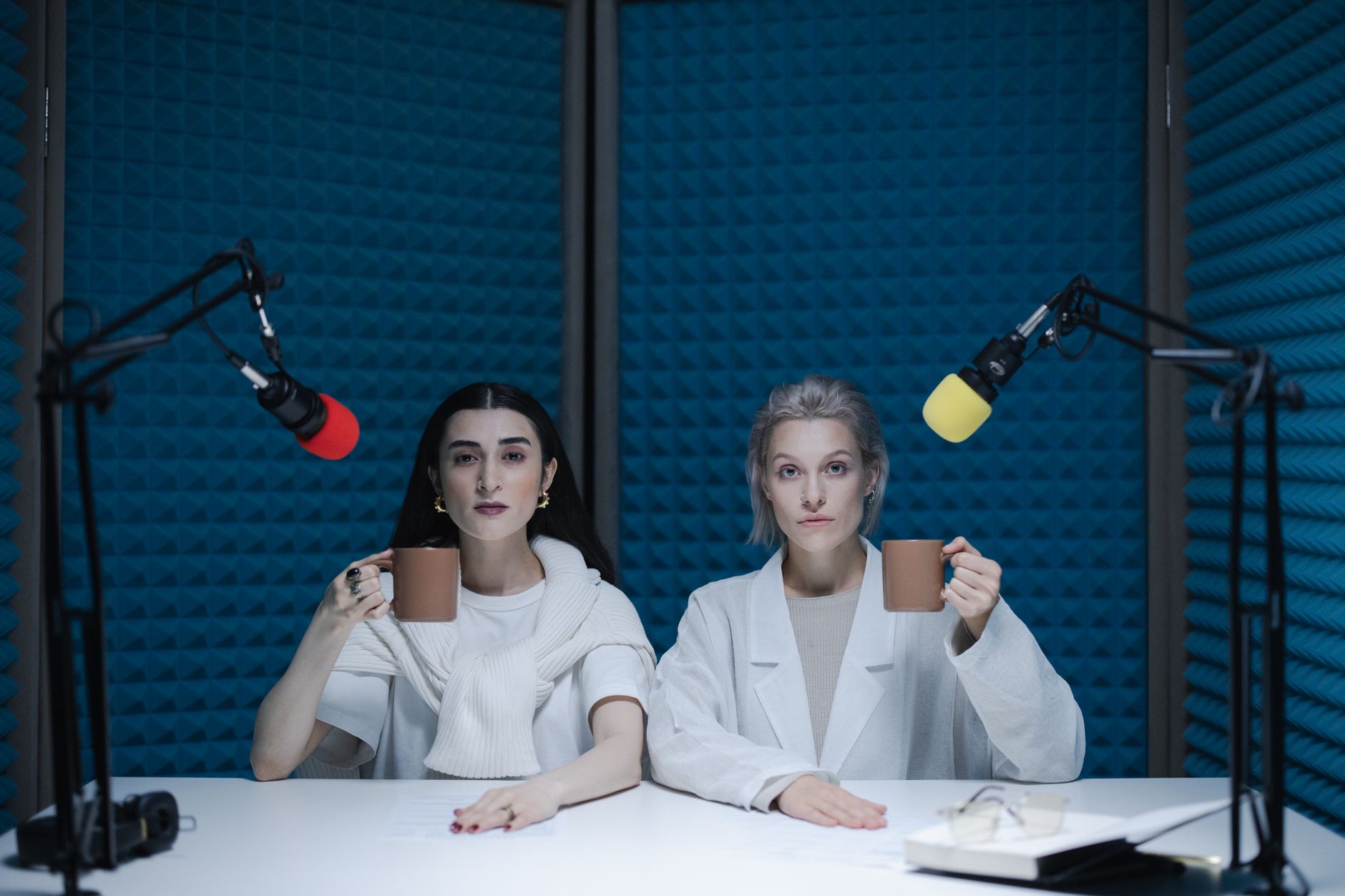
Here is the whole chain, start to finish:
- 1.Assemble the mic. Mount everything on the stand or boom arm with the pop filter in front.
- 2.Connect the chain. Plug the mic into the converter or interface, then connect that to your computer over USB (phones work too, with a USB-C or Lightning adapter).
- 3.Select it as default. In your computer's sound settings, set the converter or interface as the default input device.
- 4.Set your gain. Open Audacity or your editor, record a 20-second test, and set the level so your loudest moments peak around -6dB, clear, but never touching the red.
- 5.Monitor on headphones. Plug headphones into the converter or interface so you hear yourself with no delay and catch problems live.
- 6.Record. For interviews, record each person to a separate track when your gear allows it, so you can edit voices independently.
If your kit uses an XLR mic with an interface (like the Movo), turn the gain knob per channel and switch on +48V phantom power if the mic is a condenser. Every pick has its own step by step guide, for PC and mobile, on our Creator Gear Hub.
How to Record and Publish Your First Episode
Record in a quiet room, speak across the mic rather than straight into it to soften harsh sounds, and just talk, your first few episodes will not be perfect, and that is normal. Edit out the worst pauses in Audacity (free), export as an MP3, and upload to a host like Spotify for Creators, Buzzsprout, or Podbean, which distribute you to Apple Podcasts and Spotify.
The Bottom Line
Podcast setup for beginners is one simple chain: mic → sound card or interface → your computer or phone, with headphones to monitor. Start with an all-in-one kit so nothing is incompatible, record in a soft, quiet room, and publish. You can always upgrade once your show finds its audience.
Compare all three kits with full specs and detailed setup guides on the Creator Gear Hub, or read the complete YouTube equipment for beginners guide if you film video too.
Frequently Asked Questions
What equipment do I need to start a podcast?
Starting out needs four things: a microphone, a way to get it into your computer or phone (a USB sound card or an audio interface), headphones for monitoring, and free recording software. A starter kit bundles the mic, stand, and USB converter together so everything is compatible out of the box. You do not need a soundproof studio to begin, a quiet room with soft furnishings is enough.
What is the best podcast equipment for beginners?
The all in one bundles win: a starter option with a USB input for solo shows, a fuller package with a boom arm and pop filter for a proper desk setup, or a portable kit with a real audio interface (like the Movo) for recording two people on separate tracks. Buying a kit avoids compatibility guesswork.
How do I record a podcast at home?
Connect everything in a line, mic first, then the converter, then your computer over USB, and set it as the default input device. Open free software like Audacity, set your gain so your voice peaks around -6dB (never in the red), put on headphones to monitor, and record. Record in a quiet, soft room to reduce echo, and record each guest to a separate track when possible.
Can I start a podcast on my phone?
Yes. A USB converter or interface connects to most phones with a USB-C or Lightning adapter, so you can plug in a real mic and record into a voice recorder app. It is a great low cost way to start before investing in a computer-based setup.
Check any YouTube channel's value, free
Live earnings estimates, CPM data, and sponsorship rates. No sign-up needed.

Founder · CheckTheWorth
Fahim built CheckTheWorth himself and runs it on public data and the official YouTube Data API. Every earnings figure here is an estimate, and he says so plainly rather than dressing it up as fact.
Related Articles
By Fahim Mahmood