Updated July 16, 2026
Published June 7, 2026, 8 min read
Best Budget Microphone for YouTube (2026): Cheap Mics That Sound Pro
Audio is the #1 thing that keeps viewers watching, and you do not need to spend much to fix it. Three honest picks below, from a $30 USB option to a clip-on wireless lavalier, with specs, buying advice, and setup steps.
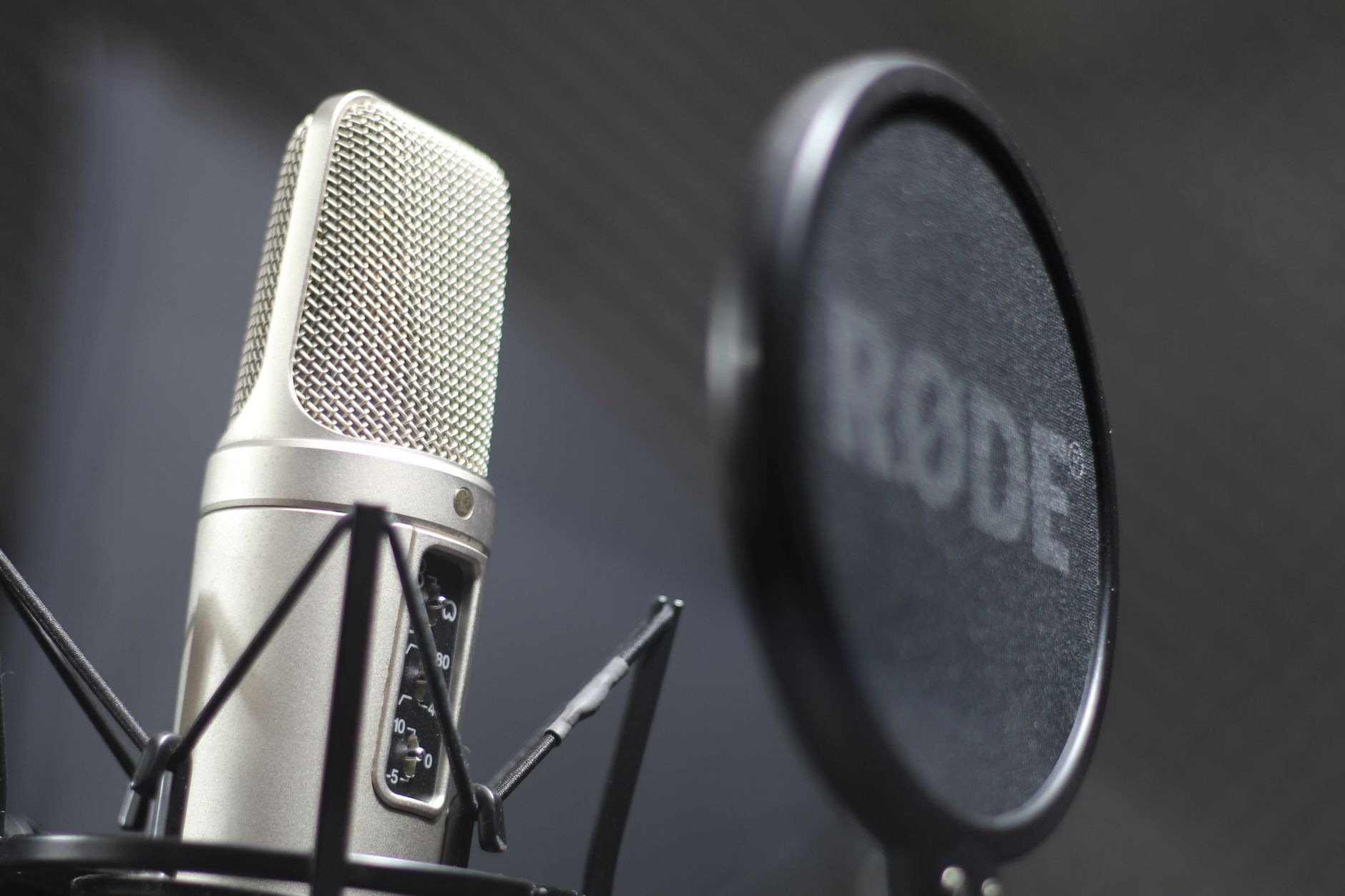
The fastest way to make a YouTube video look amateur is bad audio, and the fastest, cheapest fix is a dedicated mic. Viewers will forgive a slightly soft picture, but they close a video with echoey, muffled, or hissy sound within seconds. That is why clean audio is the single highest return purchase a new creator can make.
The good news: fixing your sound costs less than a takeaway dinner. This guide covers the cheap USB, wireless, and desktop mics that genuinely make your voice sound professional, what each is for, and exactly how to set it up.
As an Amazon Associate, CheckTheWorth earns from qualifying purchases. Product prices and availability shown on Amazon are accurate as of the time of purchase and are subject to change.
How I picked these. I have not personally tested every mic on this page, and I am not going to pretend I have. These picks are chosen from specs, price, and the pattern across thousands of buyer reviews, lined up to cover the three situations most YouTubers actually record in. Match one to how you film, then check the current price and latest reviews on Amazon before you buy, since models and stock change often.
Quick Comparison
There is no single right answer here, it depends on whether you film at a desk or on the move. Here are three picks that cover every creator, at three price points.
| Pick | Type | Best for | Price |
|---|---|---|---|
| ZealSound USB Condenser Kit | Desk condenser | Desk talking-head, voiceover | Budget |
| Mini Mic Pro Wireless Lavalier | Wireless clip-on | Vlogging, filming on the move | Most Popular |
| MVUYO Desktop Condenser | USB broadcast | Audio-first channels, podcasts | Premium |
ZealSound USB Condenser Mic Kit
The cheapest way to sound professional, a complete USB condenser kit with shock mount and pop filter in the box. Plugs straight into your computer and sounds dramatically closer and cleaner than any laptop input. Ideal for desk talking-head videos and voiceovers.
Check price on AmazonMini Mic Pro Wireless Lavalier
A wireless lavalier that clips on and frees you from your desk, works with iPhone, Android, and cameras. Perfect for vlogs, pieces to camera, and run-and-gun filming with no cable trailing across the room.
Check price on AmazonMVUYO Desktop Condenser Mic
A broadcast-style desktop condenser with warm, radio-ready tone and a sturdy stand and shock mount included. The pick for voiceovers, podcasts, and any channel where audio quality is the top priority.
Check price on Amazon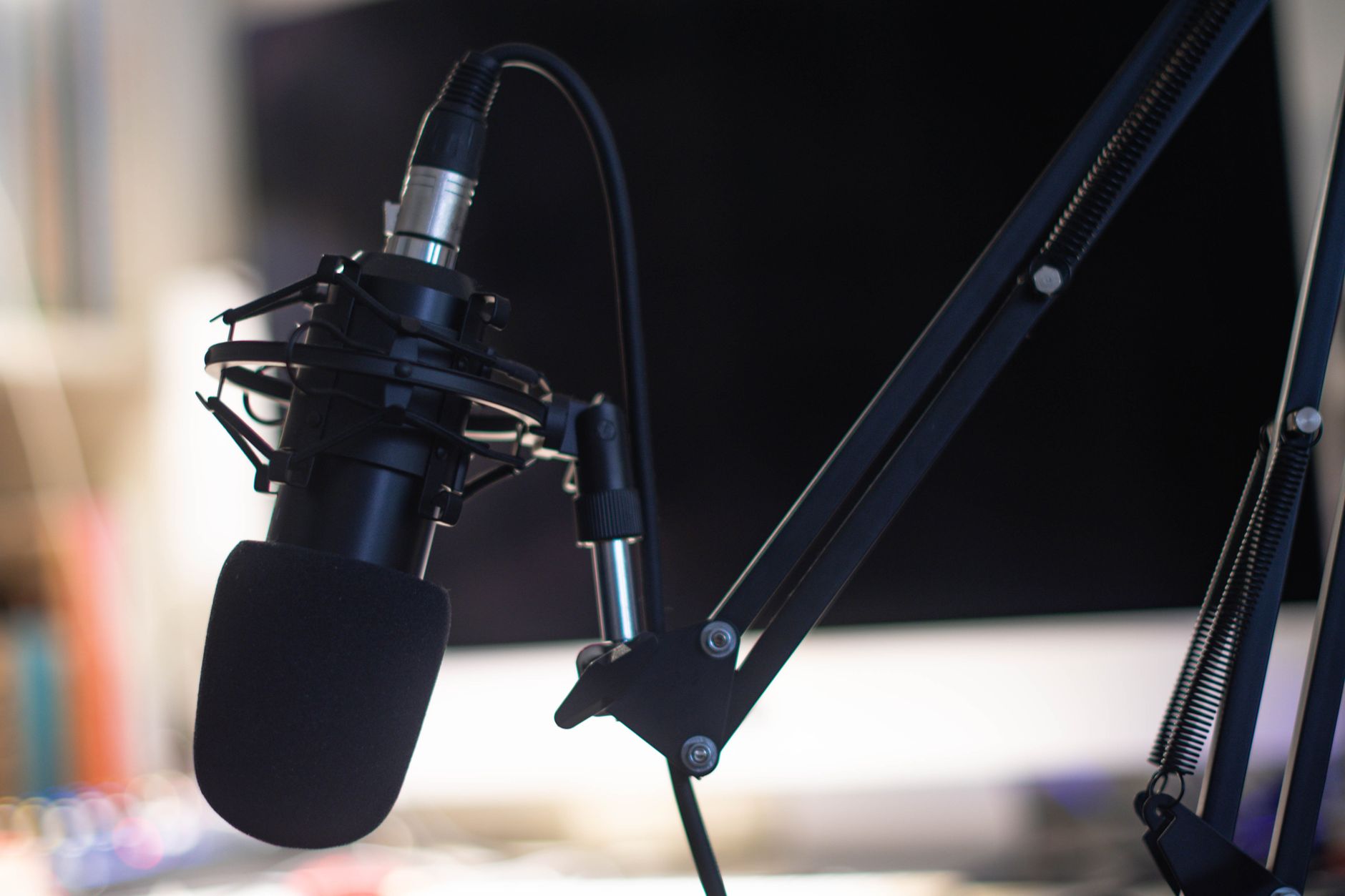
Why Audio Matters More Than Your Camera
New creators almost always spend on a camera first. It is the wrong order. Audience retention, how long people watch, is driven by your idea, your delivery, and your sound, not your resolution. A phone-shot video with clean audio beats a 4K video that sounds like it was recorded in a bathroom.
So if your budget only stretches to one upgrade right now, make it your sound. It is the cheapest change that makes the biggest difference to how professional you sound.
USB vs Wireless vs Desktop, Which Mic Do You Need?
A USB microphone (like the ZealSound kit) is the simplest path for desk creators. It plugs into your computer, needs no extra equipment, and gives a rich, close sound that works for talking-head videos, tutorials, and voiceovers. This is the right starting point for most people.
A wireless clip on (like the Mini Mic Pro) is for creators who move. It clips to your shirt and sends audio to a receiver on your phone or camera, so you can vlog, walk, and film pieces to camera without a cable. If your videos are shot away from a desk, this is the one for you.
A desktop broadcast condenser (like the MVUYO) is the step up for audio-first creators, podcasters, voiceover artists, and channels where the sound is the product. It delivers the warm, "radio voice" tone that makes people want to keep listening.
Two Minute Setup
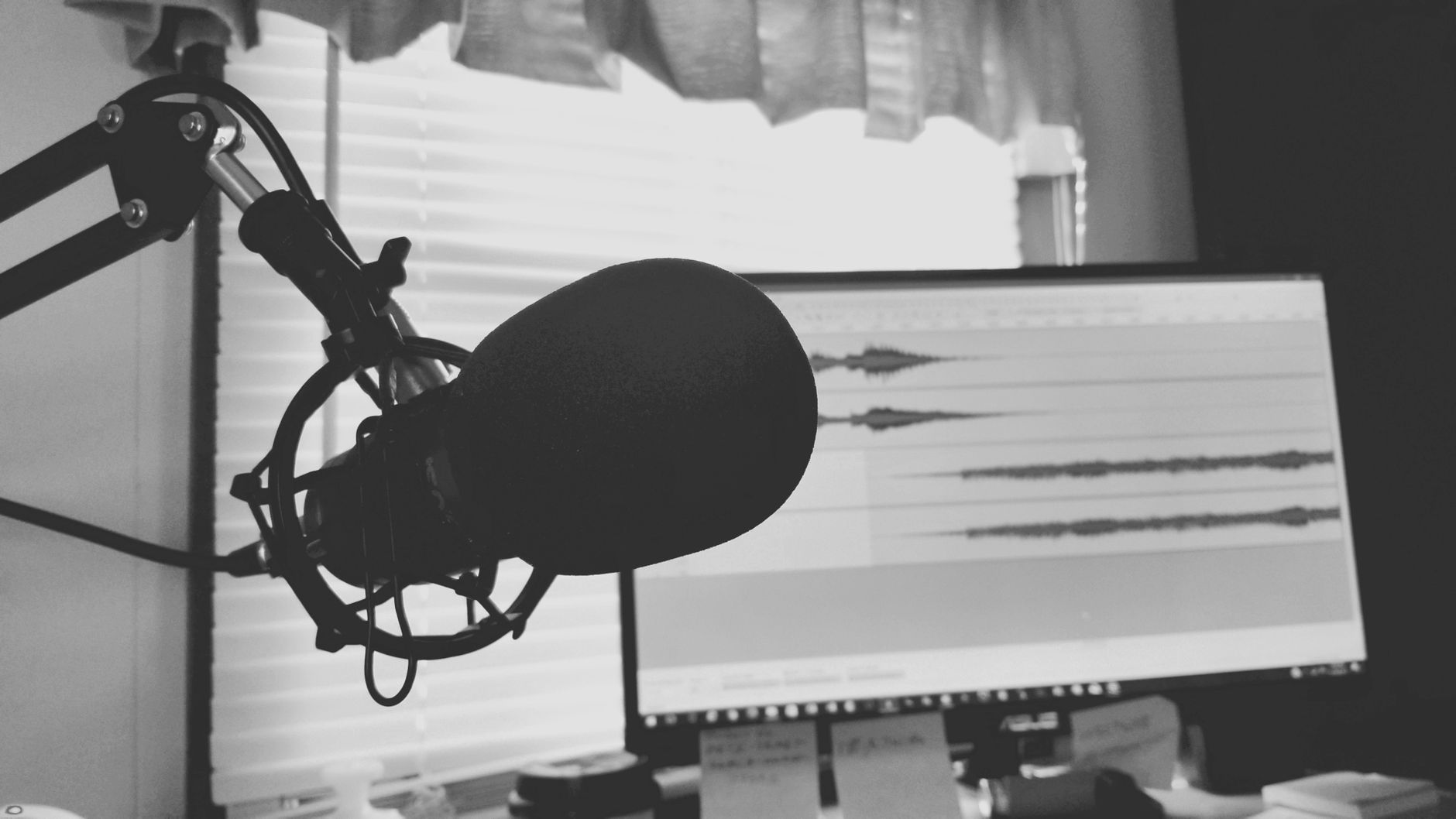
Setup takes about two minutes. For a USB mic: plug it directly into your computer (skip USB hubs for cleaner power), open Sound settings and choose it as your default input, then record a 10-second test and set the level so your voice is clear but never hits the red. For a wireless clip on: charge the transmitter and receiver, plug the receiver into your phone or computer, power both on so they pair, clip the mic a hand's width below your chin, and test. Always listen back on headphones before you film a full video.
For step-by-step guides tailored to each mic, on both PC and mobile, see the setup section on our Creator Gear Hub.
The Bottom Line
You do not need studio money to sound professional. A $30 desk condenser or a wireless clip on already removes the echo and noise that make videos hard to watch. Pick the one that matches how you film, set it up in two minutes, and your channel instantly sounds like you take it seriously.
See all three picks with full specs, "skip it if" notes, and setup guides on the Creator Gear Hub, or read the full starter equipment guide to build your whole starter kit.
Frequently Asked Questions
What is the best budget mic for YouTube creators?
For desk creators, the ZealSound condenser kit (around $30) for desk creators, works best, while the clip on Mini Mic Pro suits filming away from a desk. Both are a dramatic upgrade over laptop or camera audio. Audio first channels should look at the MVUYO desktop condenser. Any dedicated unit beats the built in one, clean sound is what keeps viewers watching.
Do I need an expensive microphone for YouTube?
No. A good mic under $40 already removes the echo and background hiss that make videos hard to watch. Viewers forgive an average picture but leave instantly on bad audio, so a cheap clip on or USB option is the highest return upgrade a new creator can make. Spend more only once your channel is earning.
Is a USB or wireless mic better for YouTube?
A USB model is better if you film at a desk, it gives richer, studio-style tone and plugs straight into your computer. A clip on wireless model is better if you move around, vlog, or film pieces to camera, because it clips on and has no cable. Many creators own one of each: one for desk videos and a lavalier for filming away from the desk.
How do I set up a mic for YouTube?
For a USB mic: plug it into your computer, open Sound settings and set it as the default input device, then record a test in your editor and set the level so your voice never peaks into the red. For the clip on type: charge both halves, plug the receiver into your phone or computer, let them pair, clip the mic on, and test. Always check it on headphones before filming.
Check any YouTube channel's value, free
Live earnings estimates, CPM data, and sponsorship rates. No sign-up needed.

Founder · CheckTheWorth
Fahim built CheckTheWorth himself and runs it on public data and the official YouTube Data API. Every earnings figure here is an estimate, and he says so plainly rather than dressing it up as fact.
Related Articles

By Fahim Mahmood