Updated July 16, 2026
Published June 7, 2026, 8 min read
Best Lighting for YouTube Videos (2026): Look Pro on Any Budget
One good lamp makes a phone look expensive, and a dark room makes any camera look cheap. Three researched picks by budget, plus the placement rule that does most of the work.
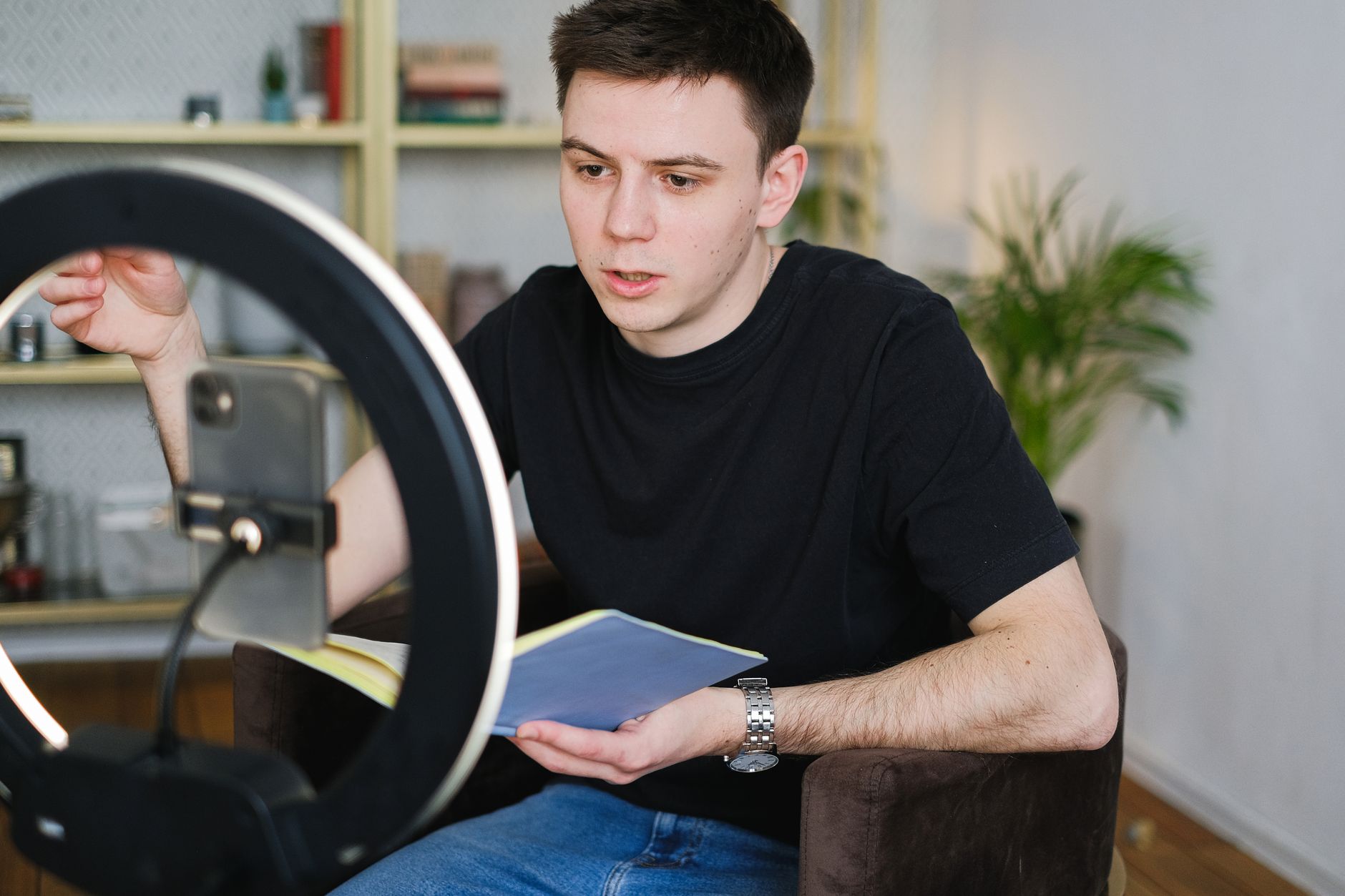
You can buy a $1,000 camera and still look amateur in a dark room, or shoot on a phone and look professional with one good light. That is why this is the most underrated upgrade a creator can make: cheap, simple, and more visible on screen than almost anything else money buys.
Three picks at three budgets below, a dimmable LED, a rechargeable clip-on, and a pro studio kit, plus exactly how to set them up.
As an Amazon Associate, CheckTheWorth earns from qualifying purchases. Product prices and availability shown on Amazon are accurate as of the time of purchase and are subject to change.
How I picked these. These are not lights I have personally shot with, and I would rather be upfront about that. I chose them on brightness, colour range, price, and the pattern across thousands of buyer reviews, one for each budget. Lighting prices and stock move around a lot, so confirm the current listing on Amazon before you buy.
Quick Comparison
| Pick | Type | Best for | Price |
|---|---|---|---|
| NiceVeedi LED Panel | Dimmable LED | Desk talking-head on a budget | Budget |
| ALTSON Rechargeable Clip-On | Cordless clip light | Laptops, video calls, travel | Most Popular |
| GVM Bi-Color LED Kit | Pro panel kit | Studios, product reviews | Premium |
NiceVeedi LED Video Light (2800 to 6500K)
An adjustable LED that dials from warm to daylight so you look consistent at any hour. The cheapest way to make any camera, even a phone, instantly look more professional, ideal for desk talking-head and beauty videos.
Check price on AmazonALTSON Rechargeable Clip-On Video Light
A rechargeable clip-on light with no wires and no stand, clip it to your laptop, monitor, or phone and touch-dim in a second. The most convenient video conference lighting and a portable light for video that travels anywhere.
Check price on AmazonGVM Bi-Color LED Lighting Kit (3200 to 5600K)
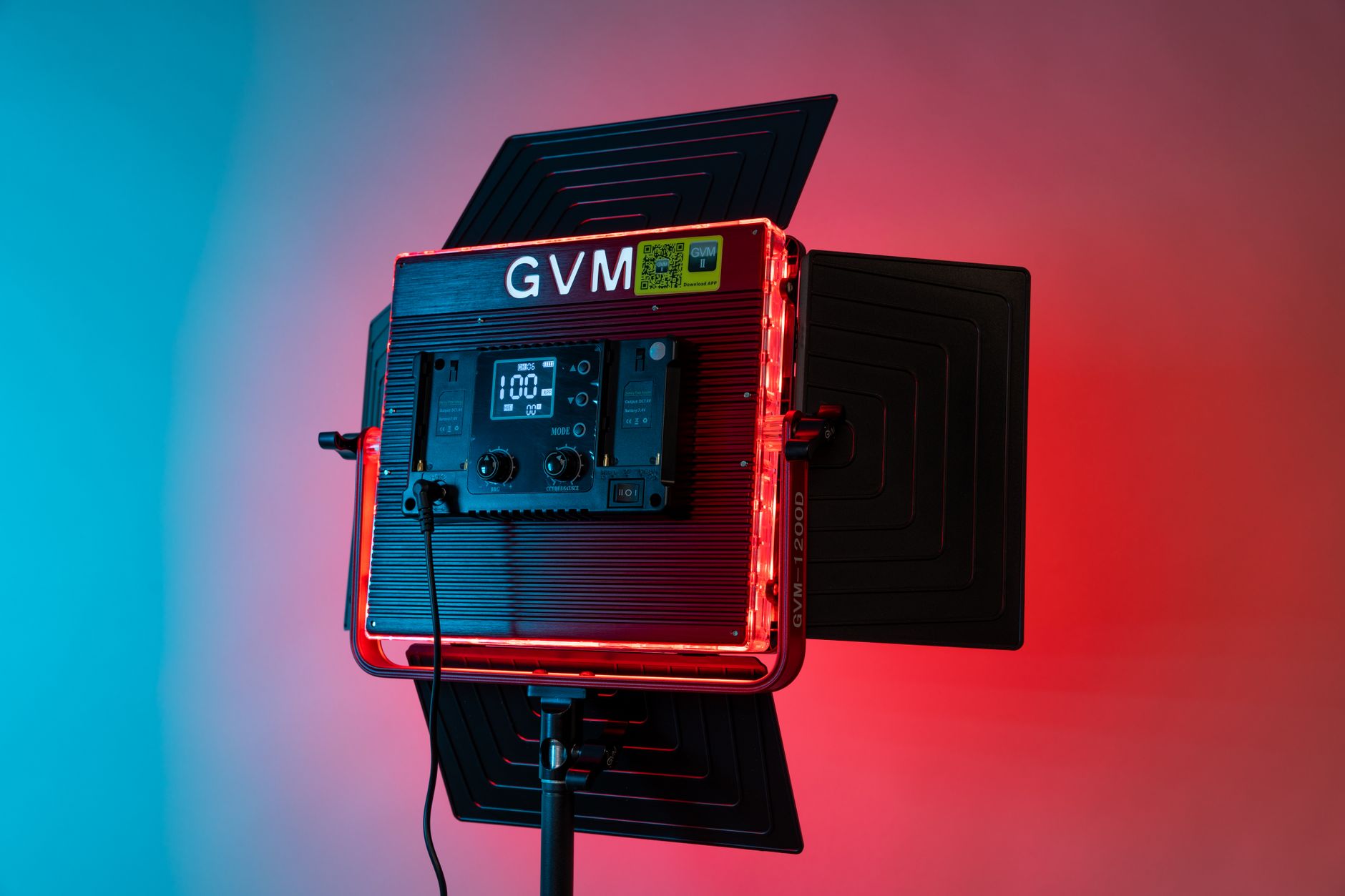
A pro-grade bi-color LED panel kit, bright, flicker-free, with fine control over colour and intensity. The pick when you need even, broadcast quality output across a whole scene.
Check price on Amazon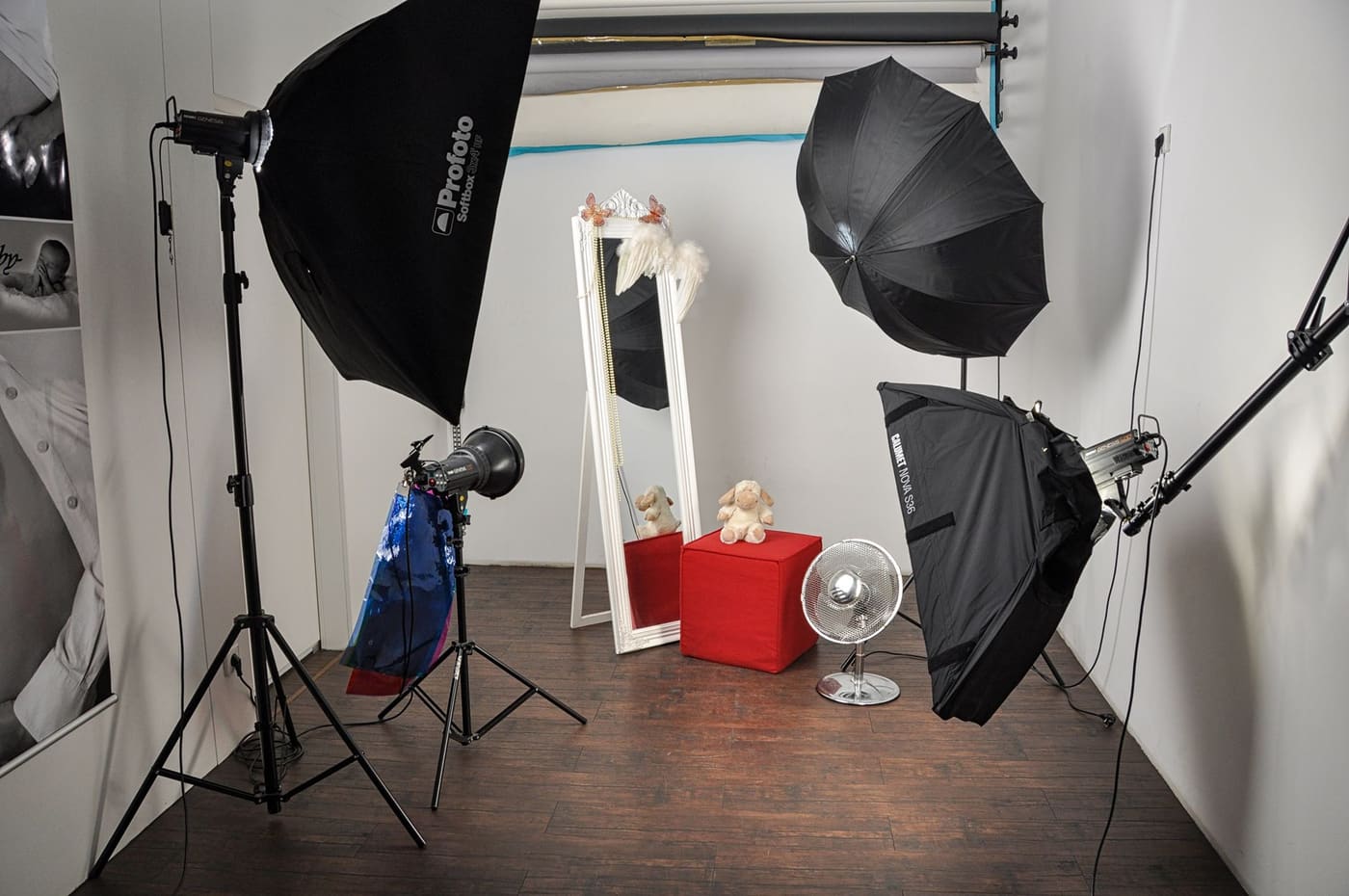
Why Light Beats a Better Camera
Cameras capture light, so if there is not enough of it, no amount of megapixels will save the shot. Add a single, soft, well-placed light and even a phone produces a clean, flattering image with rich colour and no grain. That is why experienced creators tell beginners to spend on light before glass: it is the cheapest path to a professional look.
If your budget is tight, start free: sit facing a window during the day. When daylight is not reliable, evenings, cloudy days, a windowless room, that is when dedicated gear earns its keep.
Ring vs Panel vs Clip On
A dimmable LED (like the NiceVeedi) is the simplest starting point, set it beside your camera, dial the brightness and colour, done. Perfect for desk videos.
The cordless clip on (like the ALTSON) is the most convenient option, no stand, no cable. Clip it to your laptop or phone and film anywhere, which makes it ideal for video calls and travel.
A dual temperature panel kit (like the GVM) is the step up for serious creators, bright, flicker-free, and able to light a whole scene with two panels for that polished, studio look.
The 45 Degree Rule
Position your main lamp slightly above eye level, angled down about 45 degrees, just behind or beside your camera. Set the colour temperature to daylight (~5600K) during the day or warm (~3200K) at night, and raise the brightness until your face is evenly lit. Watch your camera preview and tweak the angle until harsh shadows disappear. If you have a second one, use it opposite as fill, or behind you as a backlight to separate yourself from the background.
Each pick has its own step by step guide, for PC and mobile, on our Creator Gear Hub.
The Bottom Line
One good lamp is the cheapest upgrade with the biggest visible payoff. Start with a budget LED or a free window, add the cordless clip on for convenience, or go for the GVM panel kit when you want a full studio look. Pair it with a clean microphone and a decent webcam and you have a setup that looks far more expensive than it cost.
Compare all three picks with specs and setup guides on the Creator Gear Hub, or read the full starter equipment guide to build your whole kit.
Frequently Asked Questions
What is the best lighting for YouTube videos?
Depends on your space and budget. A single dimmable LED panel (like the NiceVeedi) is the cheapest way to look pro on a desk. The cordless ALTSON clip on is the most convenient for laptops and travel. The GVM studio kit gives full studio quality output for serious creators. Even one decent lamp beats an expensive camera in a dark room.
Do I really need studio lights?
It affects how professional you look more than the camera does, a cheap camera well lit beats an expensive one in shadow. And the best beginner option is free: face a window during the day. When daylight is not reliable, a single LED fixes it for very little money.
Is a ring light or a softbox better for video?
A ring gives even, shadow free output and is ideal for talking-head, beauty, and tutorial videos, it sits behind your camera and points at your face. A softbox or panel gives softer, more natural coverage and handles a wider scene, which is better for desk setups and product shots. Many creators start with one and add a second later.
How do I set it all up?
Place your main lamp slightly above eye level and angled down at about 45 degrees, just behind or beside your camera. Set it to daylight (around 5600K) for daytime and warm (around 3200K) in the evening, and raise the brightness until your face is evenly lit with no harsh shadows. Check your camera preview and adjust the angle. A second unit as fill or backlight removes what remains.
Check any YouTube channel's value, free
Live earnings estimates, CPM data, and sponsorship rates. No sign-up needed.

Founder · CheckTheWorth
Fahim built CheckTheWorth himself and runs it on public data and the official YouTube Data API. Every earnings figure here is an estimate, and he says so plainly rather than dressing it up as fact.
Related Articles


By Fahim Mahmood